CYBERDECK
hello, friend.
A handheld computer built from the parts of other machines. A ThinkPad X100e keyboard, a main screen, a side screen, and a Teensy 4.1 that makes a bare laptop ribbon cable speak USB.
- INPUT
- ThinkPad X100e keyboard, 83 keys + TrackPoint
- CONTROLLER
- Teensy 4.1 · ARM Cortex-M7 @ 600 MHz
- DISPLAY
- main LCD + side display
- INTERFACE
- USB HID: keyboard + mouse
- MATRIX
- no diodes, ghost-blocked in firmware
- FIRMWARE
- C++ / Teensyduino
- STATUS
- ● OPERATIONAL
⚠ 3.3V LOGIC ONLY. DO NOT FEED IT 5V.
> pkt 29 05 FE → dx +5 · dy −2 · [L]
A cyberdeck is a DIY portable computer: part laptop, part art project, all exposed wiring. Mine is a black shell with a ThinkPad keyboard across the bottom, a main display that lifts off to get at the guts, and a smaller screen hanging off the side.
The hard part was the keyboard. Laptop keyboards don't speak USB. They're a grid of traces on a flat ribbon cable. No controller, no diodes, and for the X100e, no published pinout. So the Teensy does the job the laptop's embedded controller used to do: scan the grid, work out which key is down, and report it as a normal USB keyboard.
> the TrackPoint is its own PS/2 device on the same ribbon. The Teensy talks to that too.
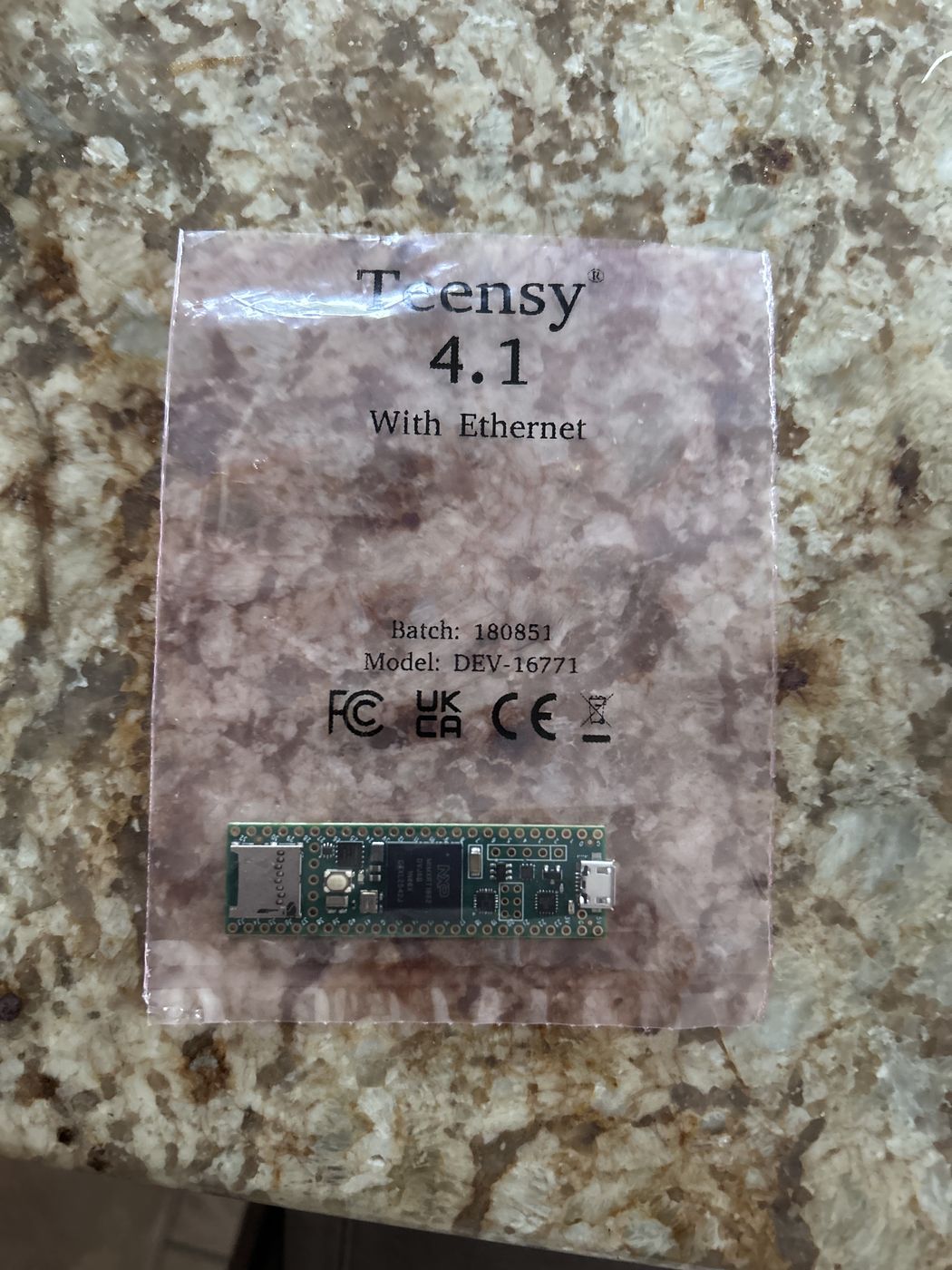
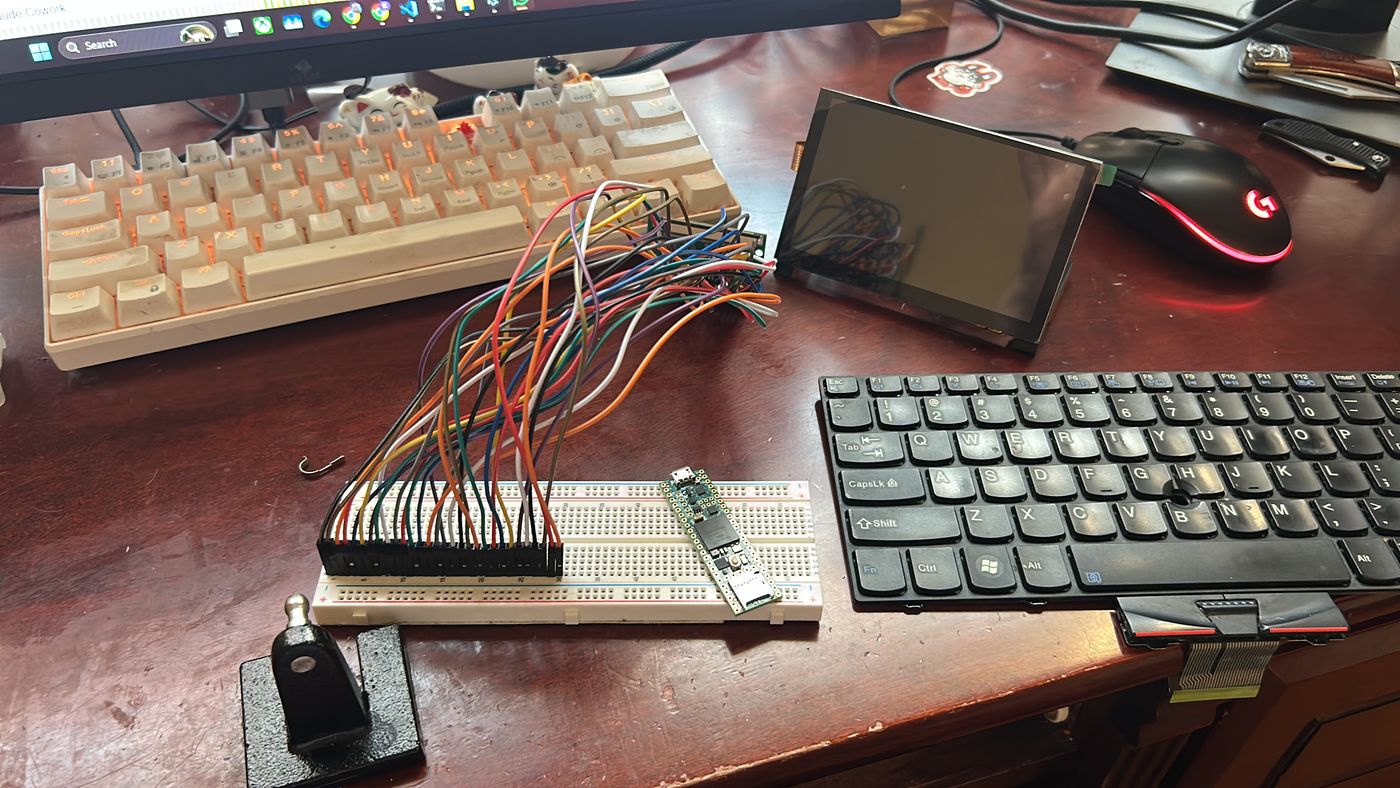
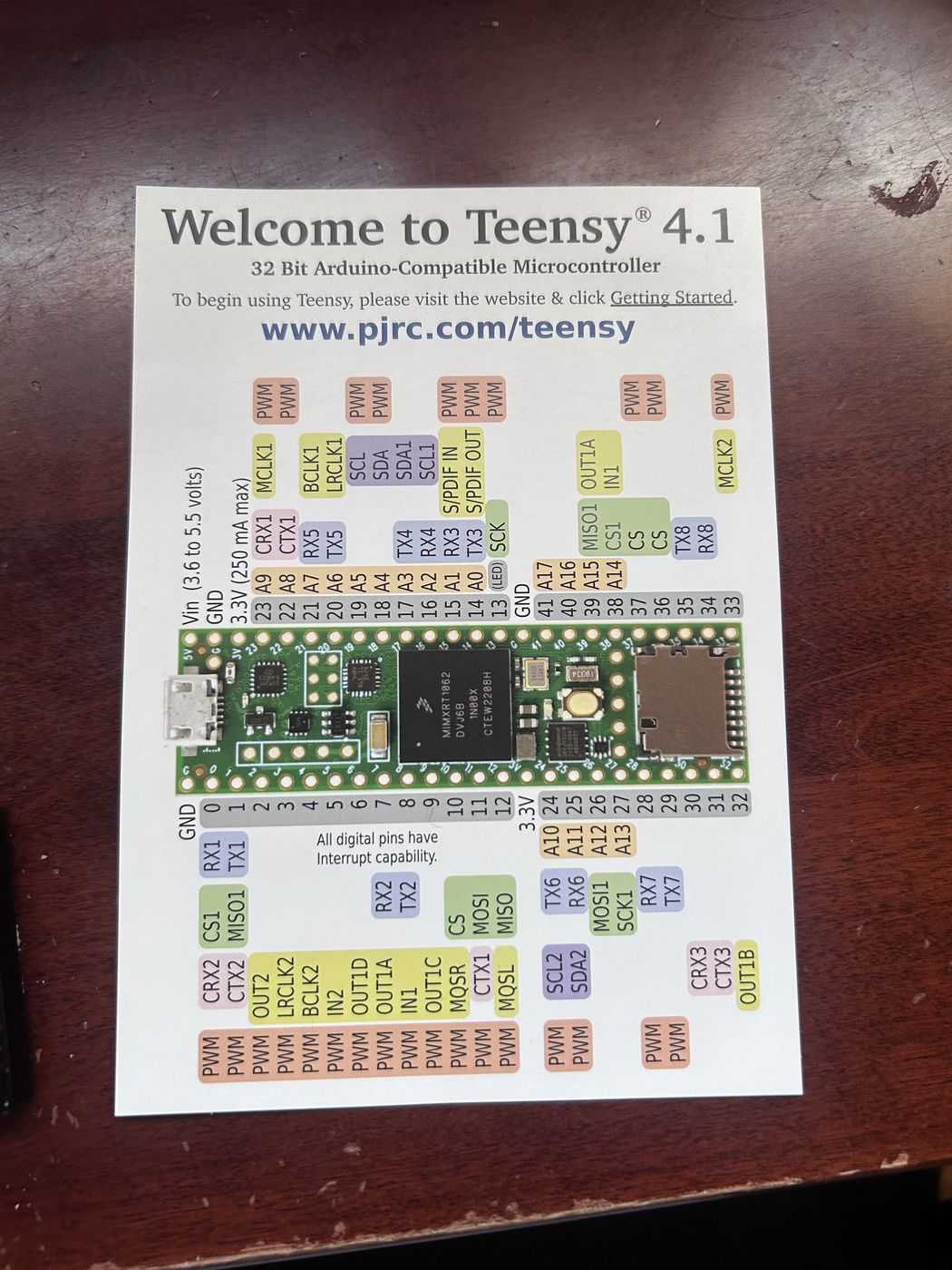
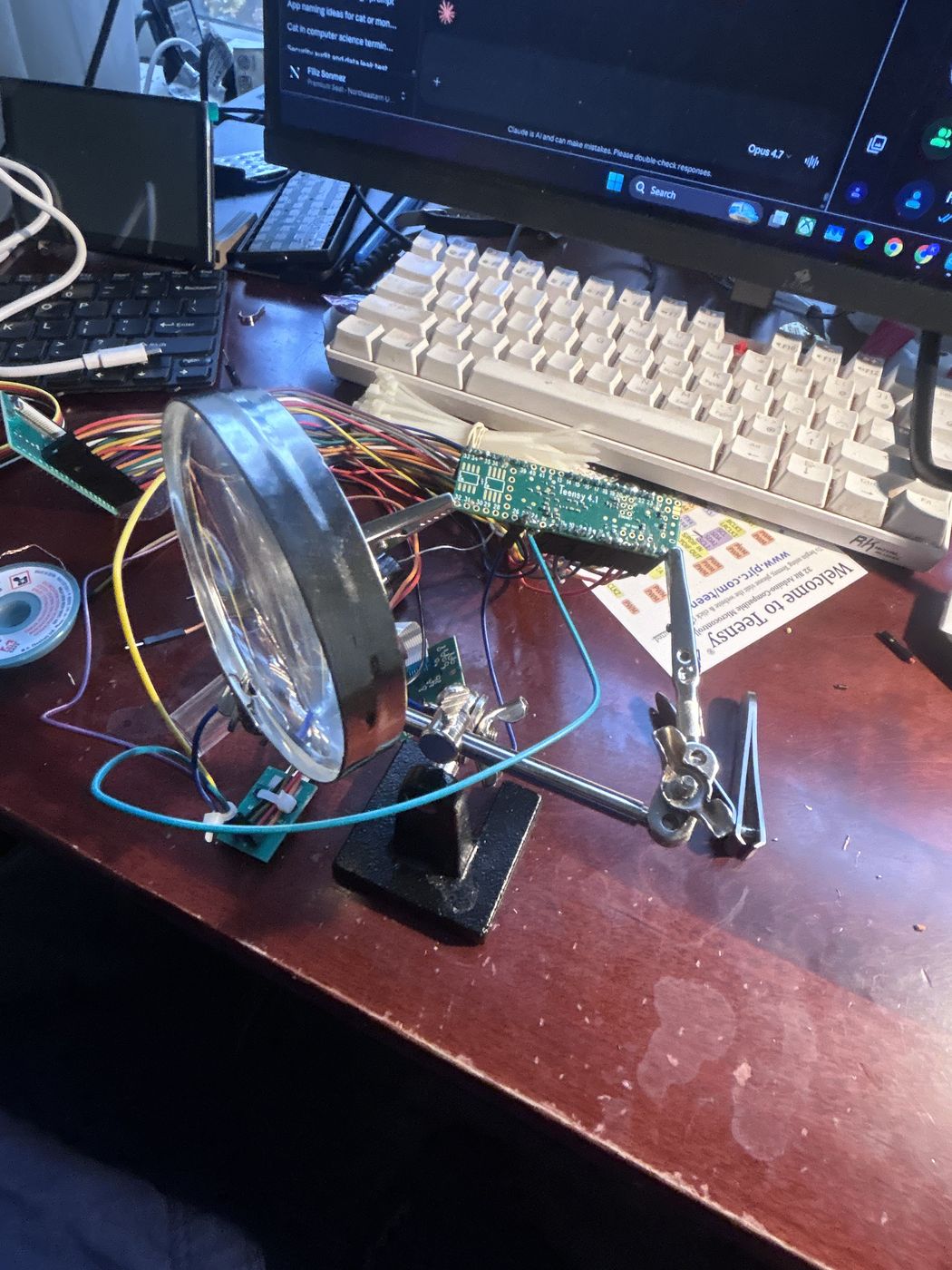
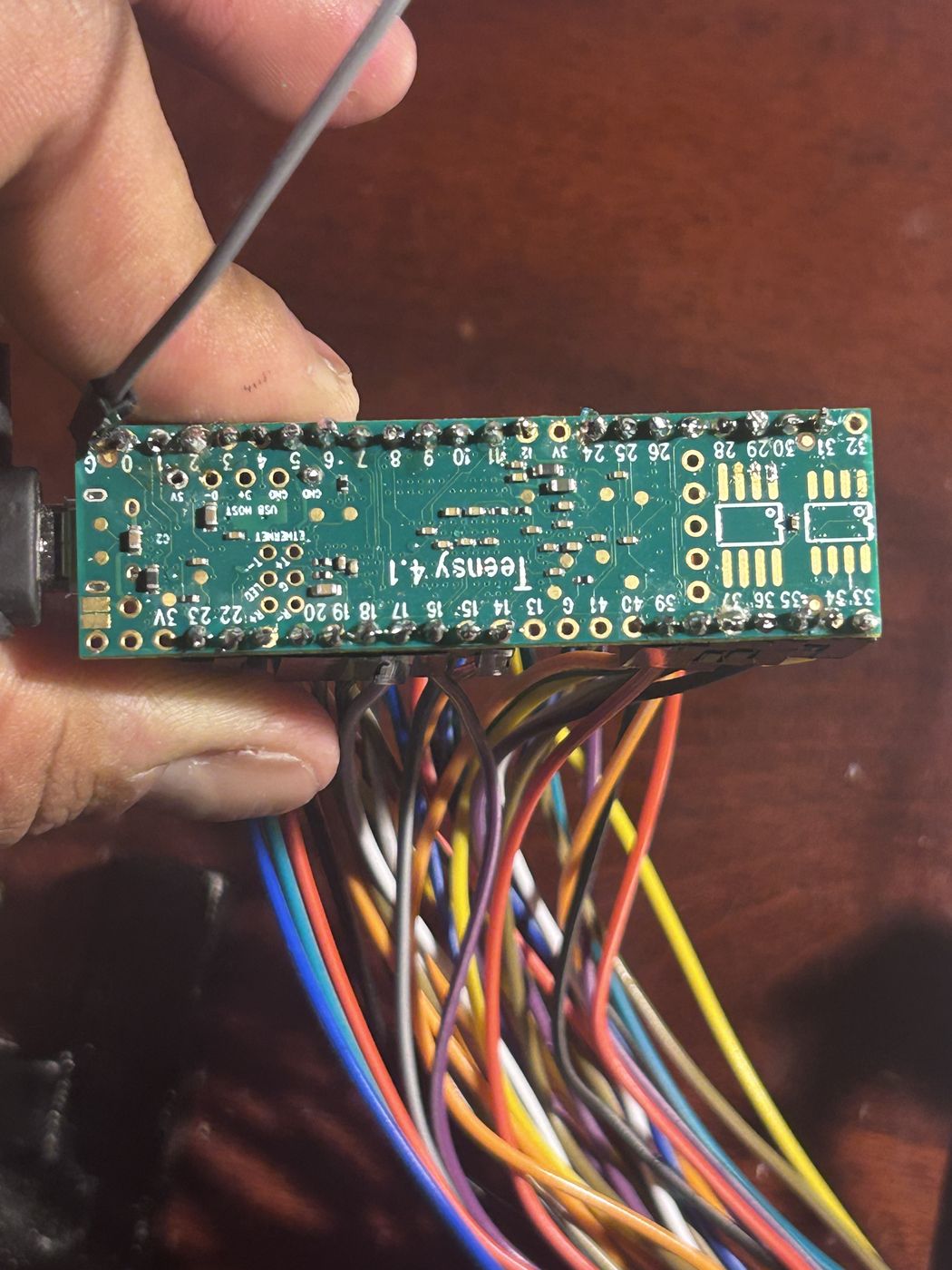
10 days from unboxing to every pin wired.
suspects: 1 teensy, ~40 wires, 1 keyboard with no manual.
status: solved.
- Drive a row. The Teensy pulls one row of the grid low and floats the rest.
- Read the columns. Any column that follows it low has a key pressed where it crosses that row.
- Repeat. Every row, over and over. A full sweep takes well under a millisecond.
- Kill the ghosts. With no diodes, holding three corners of a rectangle fakes the fourth. The firmware spots that shape and ignores it.
- TrackPoint. It speaks PS/2. The Teensy decodes its 3-byte packets into USB mouse moves. Hold middle + push = scroll.
> press keys on your keyboard (or tap the grid). try holding 3.
demo grid. the real X100e map is learned by the mapper.
void scanMatrix() {
  for (int r = 0; r < N_ROWS; r++) {
    pinMode(ROW_PINS[r], OUTPUT);
    digitalWrite(ROW_PINS[r], LOW);
    delayMicroseconds(SETTLE_US);

    uint32_t bits = 0;
    for (int c = 0; c < N_COLS; c++)
      if (digitalRead(COL_PINS[c]) == LOW)
        bits |= (1UL << c);
    raw[r] = bits;

    // snap high, then float, so a held key
    // can't leak into the next row
    digitalWrite(ROW_PINS[r], HIGH);
    pinMode(ROW_PINS[r], INPUT_PULLUP);
  }
}| ID | PART | QTY |
|---|---|---|
| 0x01 | Teensy 4.1 (w/ Ethernet) | 1 |
| 0x02 | ThinkPad X100e keyboard | 1 |
| 0x03 | TrackPoint + buttons | 1 |
| 0x04 | Main LCD + driver board | 1 |
| 0x05 | Side display | 1 |
| 0x06 | Single-board computer | 1 |
| 0x07 | Black enclosure | 1 |
| 0x08 | Breadboard | 1 |
| 0x09 | Jumper wires | ~40 |
| 0x0A | Helping hands + loupe | 1 |
| 0x0B | Solder | too much |
| 0x0C | Sleep | 0 |